


SATO’s All-In-One printer management utility allows users to seamlessly configure their SATO products across their system-wide infrastructure. Whether the printer is connected, parallel, serial, USB, Ethernet or wirelessly, we give you access to local or networked SATO printers so that you can easily configure them to meet your needs. All you’ll need is any Windows PC connected to your network or any standalone Windows PC environment for this one stop configuration tool.
The SATO All-In-One Tool allows you to actively manage your SATO products from one place with features such as:
- Multilingual display - All-In-One Tool is available in English, Simplified Chinese and Japanese.
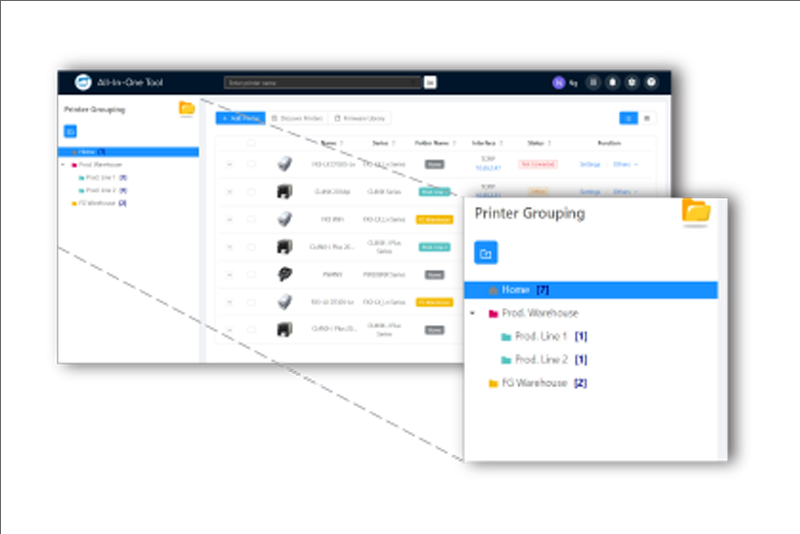
- Centalised management - View and manage settings such as print method, resolution, etc. of all printers at one glance.
- Settings cloning - Clone printer-specific settings to printer quickly and easily.
- Multiple interface connectivity - Manage SATO printers connected via different interfaces such as LAN, WLAN and USB.
- Fonts & graphics - Upload fonts & graphics to printer memory, thus optimising print strings & overall throughput.